

Description
Convert Videos to MP3 on Android
Overview
MP3 Video Converter APK is a dedicated Android application designed to convert video files into high-quality MP3 audio format. The software enables users to extract audio from videos while maintaining clarity and fidelity, making it ideal for creating music playlists, audiobooks, or podcast clips from video content. It supports a range of video sources, including local files, online videos, and media stored on external storage. The app is particularly useful for mobile users who want to enjoy audio content without the need for large video files, helping to save storage space and simplify playback on audio-centric devices.
Target users include casual content consumers, mobile creators, and individuals who frequently extract audio from videos for personal or creative use. The app is tailored for Android users seeking a straightforward, no-cost solution for audio conversion. While the developer's background is not specified, the application appears focused on simplicity and accessibility. Real-world usage scenarios include converting YouTube videos, educational lectures, movie soundtracks, or recorded meetings into MP3 format for offline listening. The app also offers basic editing tools such as trimming, cropping, and speed adjustment, enhancing its utility beyond simple conversion.
Key Features & Capabilities
- Video-to-MP3 Conversion – Extracts high-quality audio from video files and saves them as MP3 format, ideal for music, podcasts, and voice recordings.
- Audio Editing Tools – Includes trimming, cropping, and playback speed adjustment to customize audio output for specific needs.
- Multiple Format Support – Converts videos into various audio formats, allowing compatibility with different devices and media players.
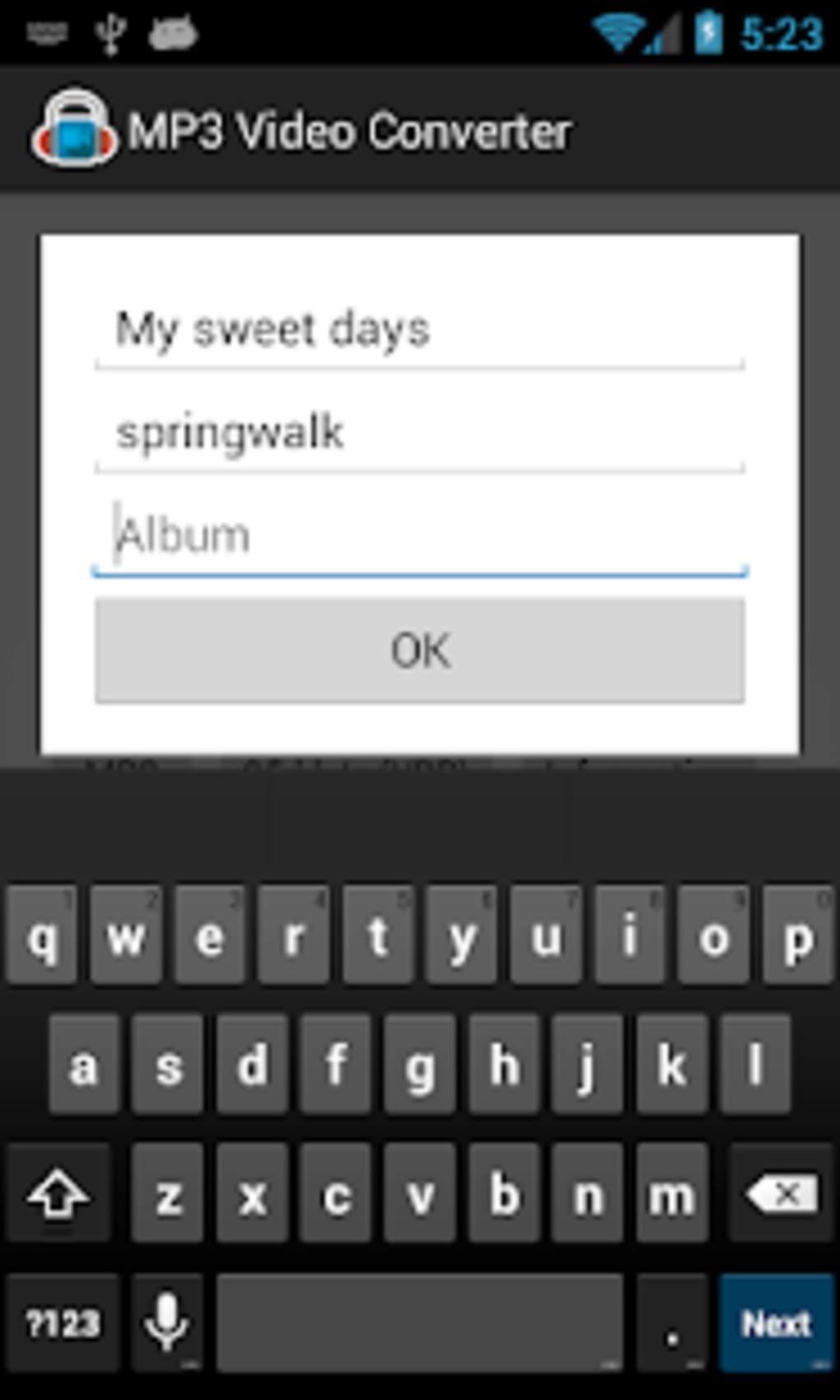
- Metadata Tagging – Features a built-in tagger to add title, artist, album, and other metadata to MP3 files for better organization.
- Audio Merging – Enables users to combine multiple audio files into a single MP3 file, useful for creating custom playlists or compilations.
- Fast Conversion Process – Designed for quick processing, minimizing wait time during file conversion.
These features support practical workflows such as converting a long lecture into a concise audio summary, extracting a song from a video tutorial, or merging clips from multiple sources into a single audio file. The ability to adjust playback speed is especially helpful for language learners or those reviewing content at a faster pace. The app’s lightweight design and focus on core functionality make it suitable for everyday use on mobile devices.
User Interface, Workflow & Performance
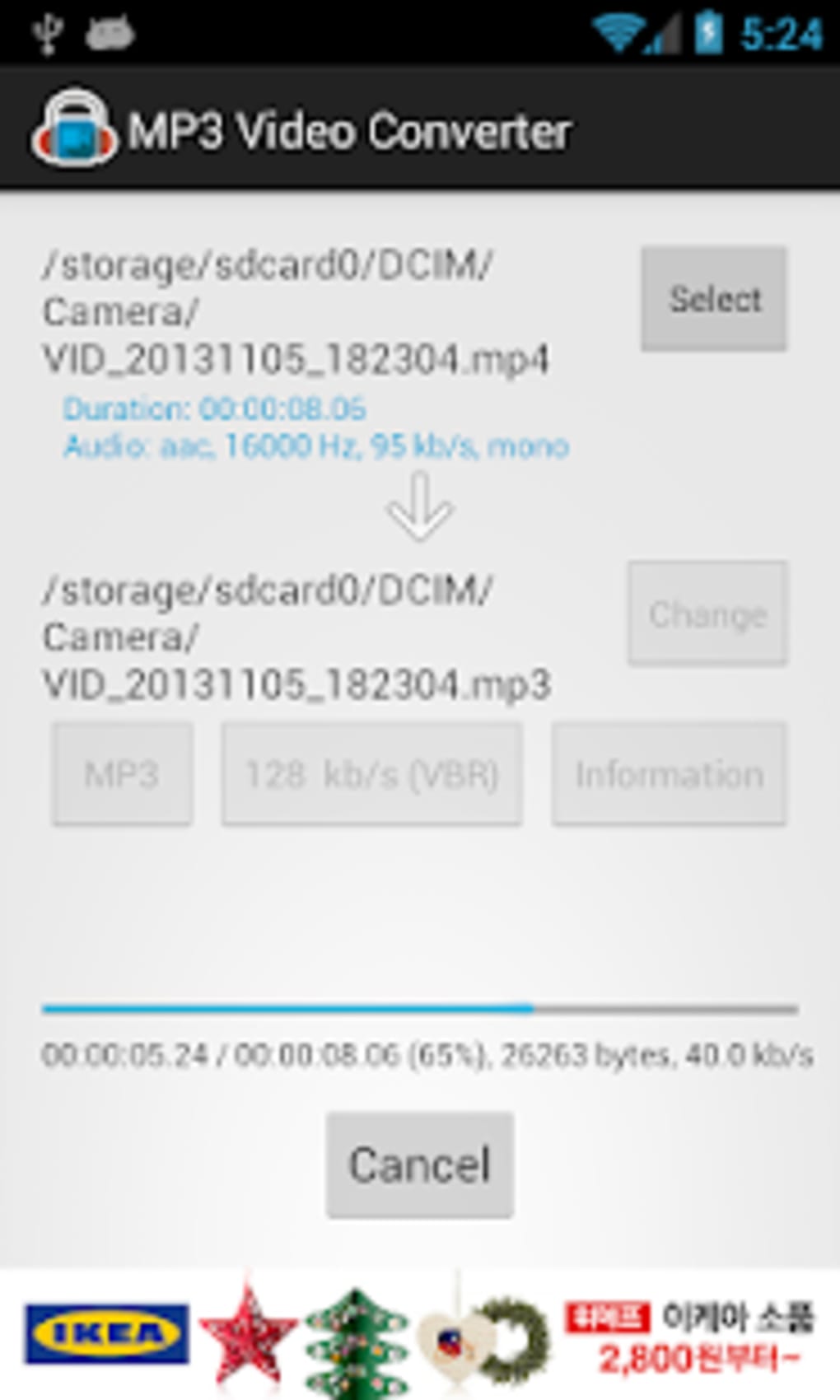
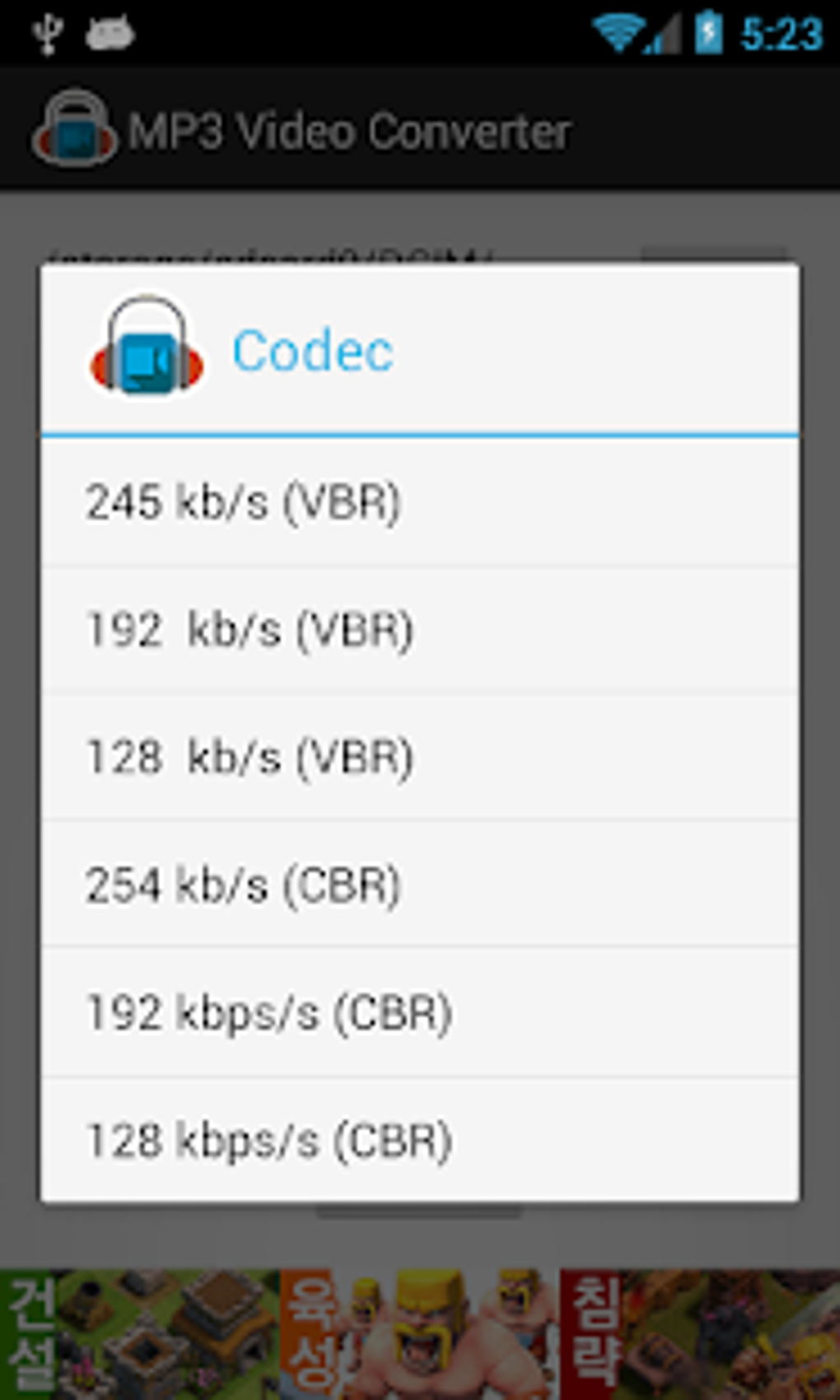
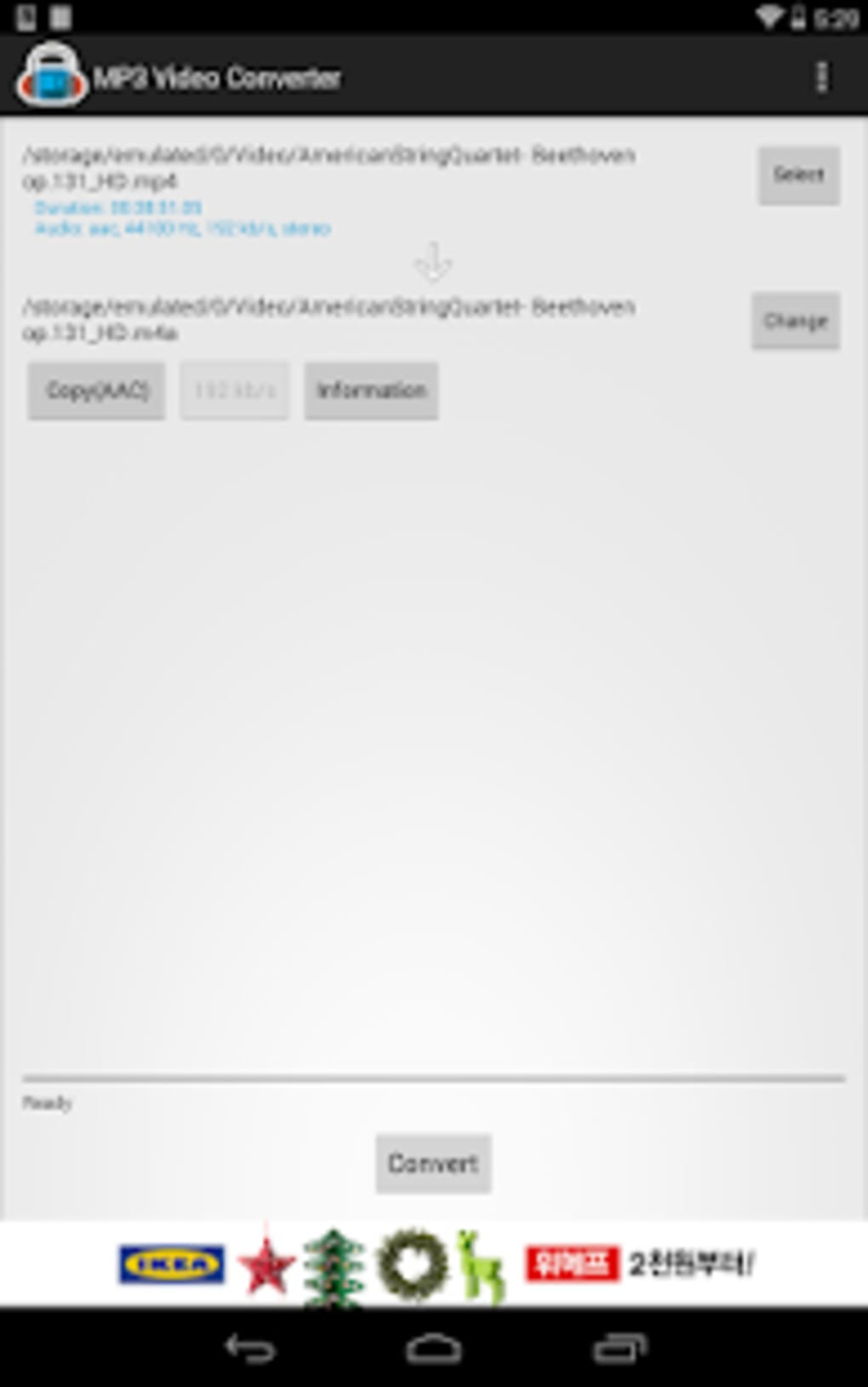
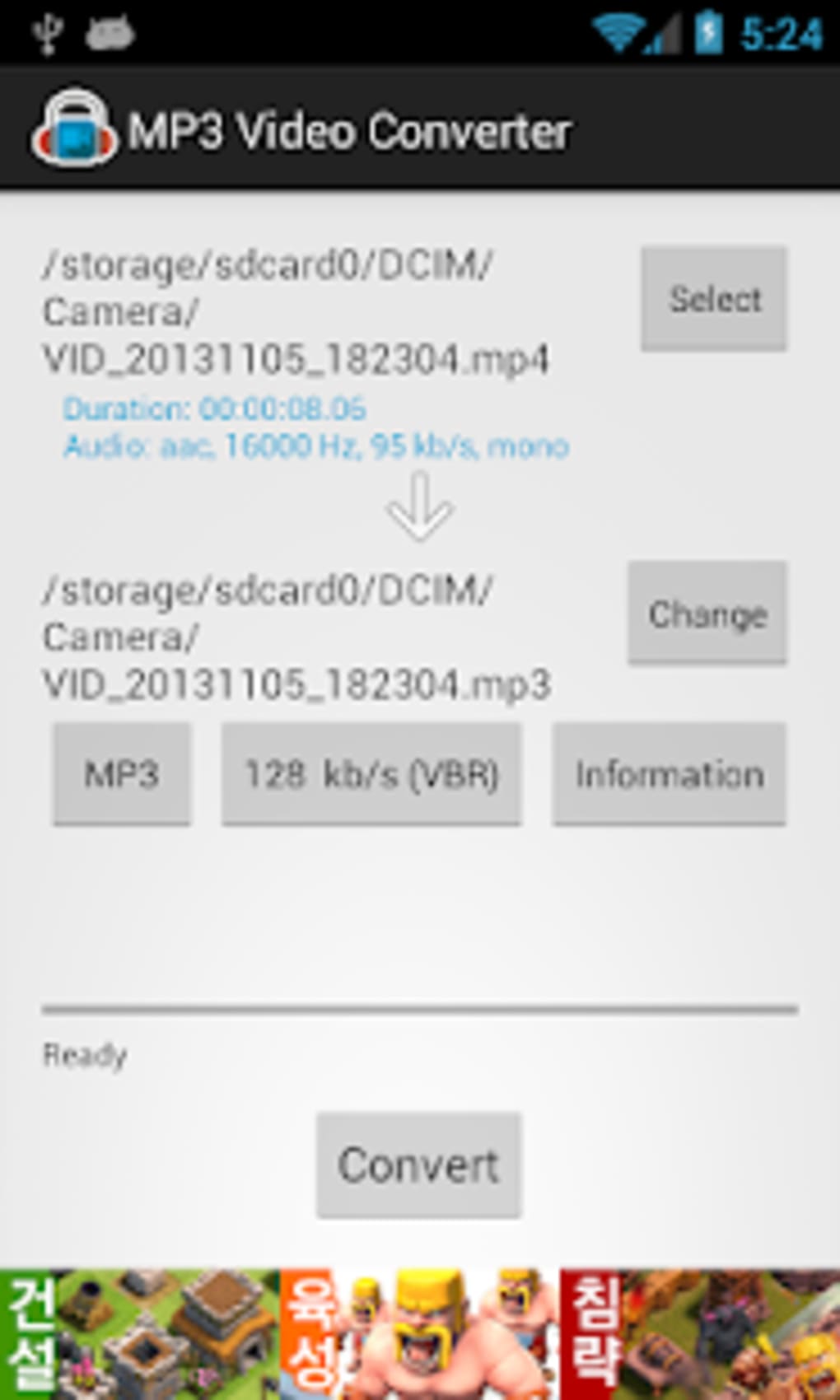
The user interface of MP3 Video Converter APK is designed with simplicity in mind, featuring a clean layout that prioritizes accessibility for non-technical users. Navigation is straightforward, with primary functions such as file selection, conversion settings, and output management clearly labeled. The workflow begins with selecting a video file, followed by choosing conversion options like audio quality and output format, and then initiating the process with a single tap.
Users can expect a responsive interface with minimal lag during file selection and basic editing tasks. The app does not display real-time performance metrics or resource usage, and the developer did not specify CPU or RAM behavior. Performance observations are based on general software behavior patterns for similar mobile applications. Stability appears consistent under normal usage conditions, though prolonged use with large files may impact device performance depending on hardware. The app runs efficiently on Android devices with moderate processing power, and the 15.2 MB installation size suggests a lightweight footprint.
Compatibility & System Requirements
MP3 Video Converter APK is designed for Android devices and supports the latest versions of the operating system. The application is compatible with a wide range of Android smartphones and tablets, allowing users to access its features across various hardware configurations. The software version is 1.0, with a file size of 15.2 MB, indicating a compact installation that does not require significant storage space.
Exact system requirements were not listed, and the developer did not provide information on minimum hardware specifications such as RAM, processor, or storage. Compatibility information is limited to the Android platform, with no mention of support for iOS, Windows, or other operating systems. Users should ensure their device is running a recent version of Android to ensure optimal functionality. The app does not require an internet connection for local file conversion, though online video conversion may require connectivity.
Pros and Cons
Pros
- Free to download and use with no hidden costs
- Simple, intuitive interface suitable for beginners
- Fast conversion process with minimal user input
- Supports audio editing features like trimming and speed adjustment
- Includes metadata tagging and audio merging capabilities
- Compact size (15.2 MB) ideal for mobile storage
Cons
- Limited file naming options for output files
- No visible option to set custom output directories
- Exact system requirements not disclosed
- Unsupported on non-Android platforms
- Performance details on CPU and memory usage not provided
FAQ Section
Is MP3 Video Converter APK safe to download and install?
The app is designed for Android and does not contain known malware. However, users should only download APK files from trusted sources to avoid potential security risks.
Can I use this app without an internet connection?
Yes, the app supports offline conversion of local video files. However, online video conversion may require an active internet connection.
Does the app support iOS or Windows devices?
Currently, MP3 Video Converter APK is only available for Android. There is no official version for iOS or Windows.
How often are updates released?
Update frequency is not specified. Users should check the developer’s official page or trusted app repositories for the latest version.
Is the license type free or paid?
The software is free to use with no subscription or in-app purchase requirements.
Final Thoughts + CTA
MP3 Video Converter APK delivers a reliable, no-cost solution for converting video files to MP3 audio on Android devices. Its clean interface, fast processing, and built-in editing tools make it a practical choice for users who need to extract and customize audio from videos. While it lacks advanced features like custom file naming and detailed system specifications, its core functionality is well-executed and accessible.
It is particularly beneficial for students, content creators, and casual users who value simplicity and efficiency. For those seeking a lightweight, free tool to convert videos to MP3 on mobile, this app stands out in its category. Despite minor limitations, its performance and ease of use make it a solid addition to any Android user’s toolkit.
Download MP3 Video Converter APK now
Guides & Tutorials for MP3 Video Converter APK
How to install MP3 Video Converter APK
- Click the Preview / Download button above.
- Once redirected, accept the terms and click Install.
- Wait for the MP3 Video Converter APK download to finish on your device.
How to use MP3 Video Converter APK
This software is primarily used for its core features described above. Open the app after installation to explore its capabilities.
User Reviews for MP3 Video Converter APK 0
No reviews found





